Week 7 - Neuromorphic Networks

Assignment Part 1: Intracellular Artificial Neural Networks (IANNs)

Week 7 Homework Overview

Questions

  1. What advantages do IANNs have over traditional genetic circuits, whose input/output behaviors are Boolean functions?
  2. Describe a useful application for an IANN; include a detailed description of input/output behavior, as well as any limitations an IANN might face to achieve your goal.
  3. Below is a diagram depicting an intracellular single-layer perceptron where the X1 input is DNA encoding for the Csy4 endoribonuclease and the X2 input is DNA encoding for a fluorescent protein output whose mRNA is regulated by Csy4. Tx: transcription; Tl: translation.

Designing IANNs with the Neuromorphic Wizard

Assignment Part 2: Fungal Materials

  1. What are some examples of existing fungal materials and what are they used for? What are their advantages and disadvantages over traditional counterparts?
  2. What might you want to genetically engineer fungi to do and why? What are the advantages of doing synthetic biology in fungi as opposed to bacteria?
Subsections of Week 7 - Neuromorphic Networks

Subsections of Week 7 - Neuromorphic Networks Lab

Week 7 - Neuromorphic Networks Lab

Info

Installation Guide and Walk-through of the Neuromorphic Wizard Software.

Pre-lab: Installing the Neuromorphic Wizard

The following instruction were made with macOS 14.

Downloading the Software

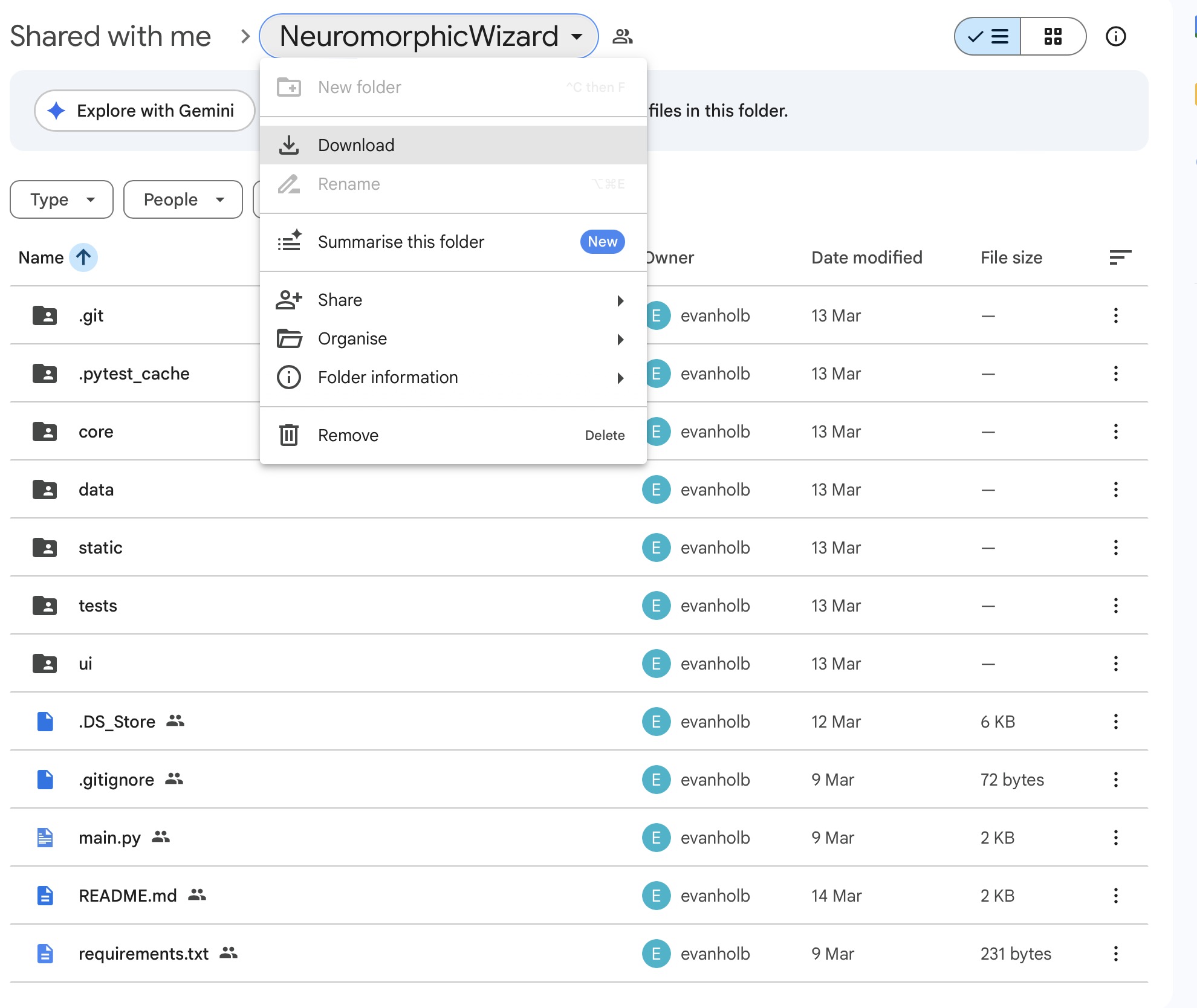
Evan is sharing the software as a Google Folder. Download the Folder by clicking Download in the Folder Menu.

Neuromorphic Wizard Google Folder Neuromorphic Wizard Google Folder

Installing the Anaconda Package Manager

The Neuromorphic Wizard needs the Python Distribution & Package ManagerAnaconda to run. If you don’t have Anaconda on your system, download and install it.

You can check if you successfully installed Anaconda, by opening a Terminal and saying the following:

conda -V

Which should give your something like:

conda 24.3.0

Make sure that Anaconda is running before you proceed.

Installing the Software

We are installing the software from the Terminal.

Change into the Download Directory

In my case, I the directory into my Development Folder.

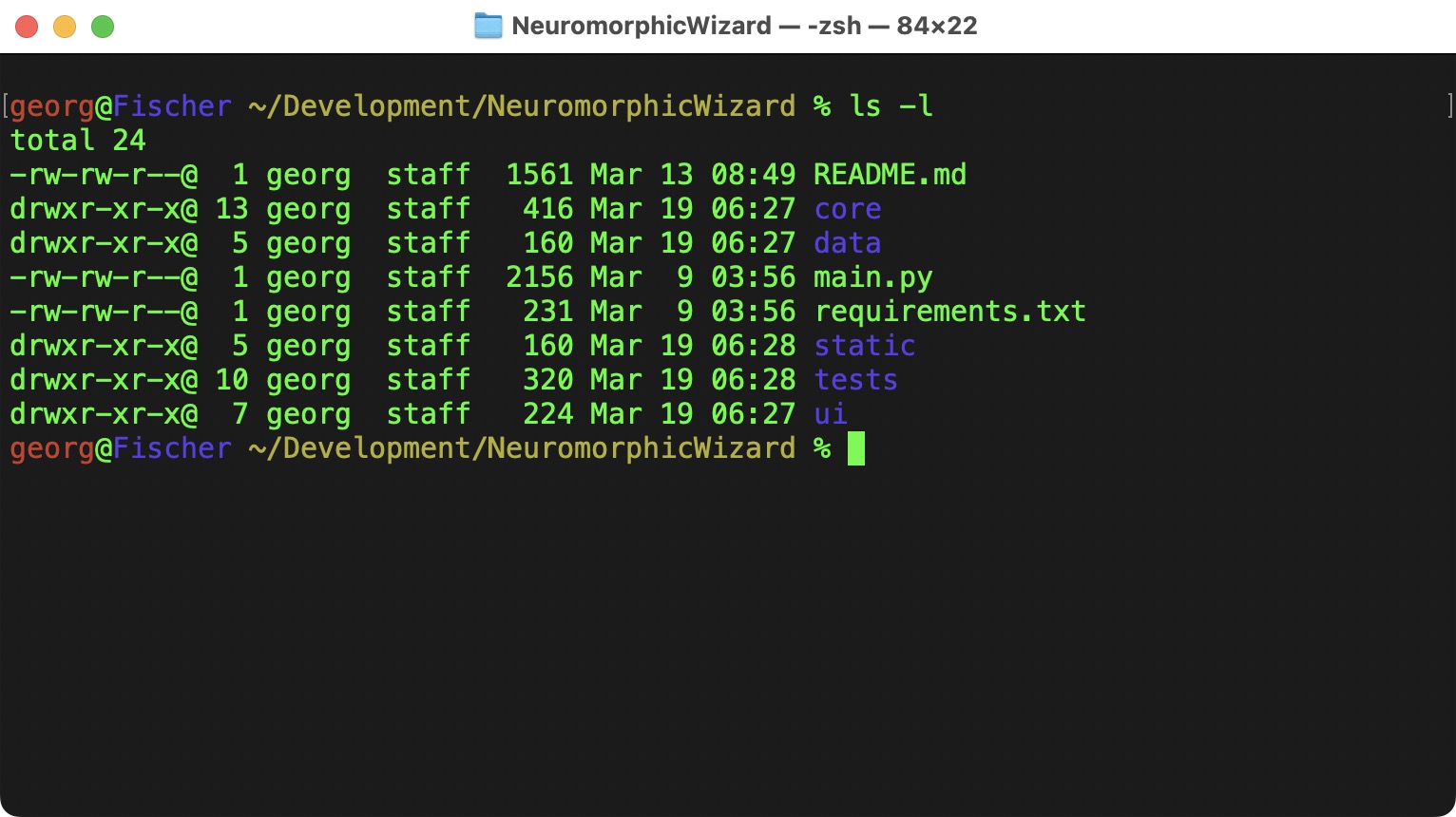
cd ~/Development/NeuromorphicWizard
Neuromorphic Wizard Local Folder Neuromorphic Wizard Local Folder

The README.md has more details about the installtion, but I am also summarizing them here.

Creating a Virtual Environment with Conda

Although there is a version of Python on most computers, we can use Virtual Environment to create an Environment that does not interfere with any other Python installation on your computer.

To create an enviroment with Python 3.10:

conda create -n neuro_wiz python==3.10

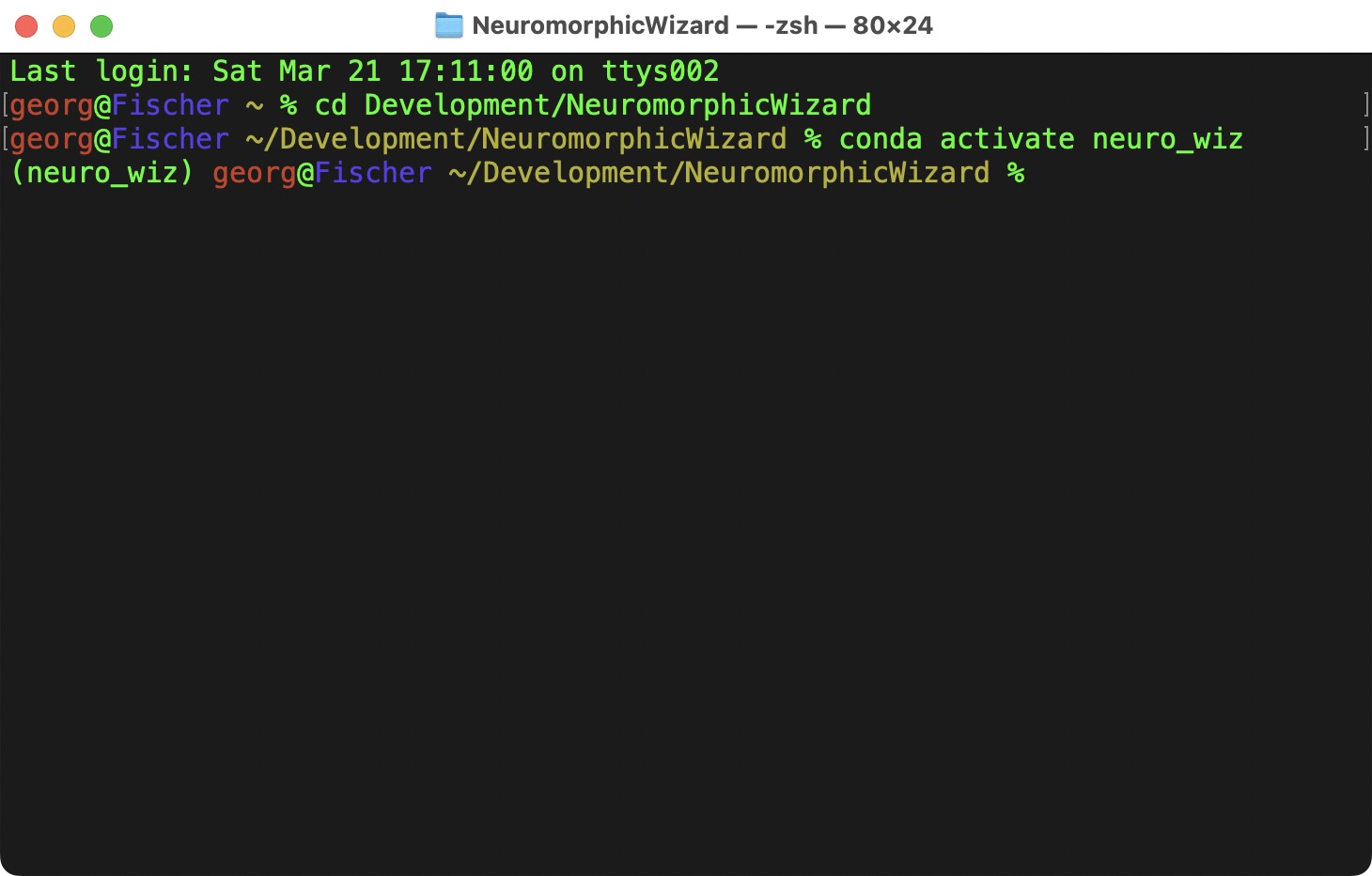
To activate it:

conda activate neuro_wiz
Venv Venv

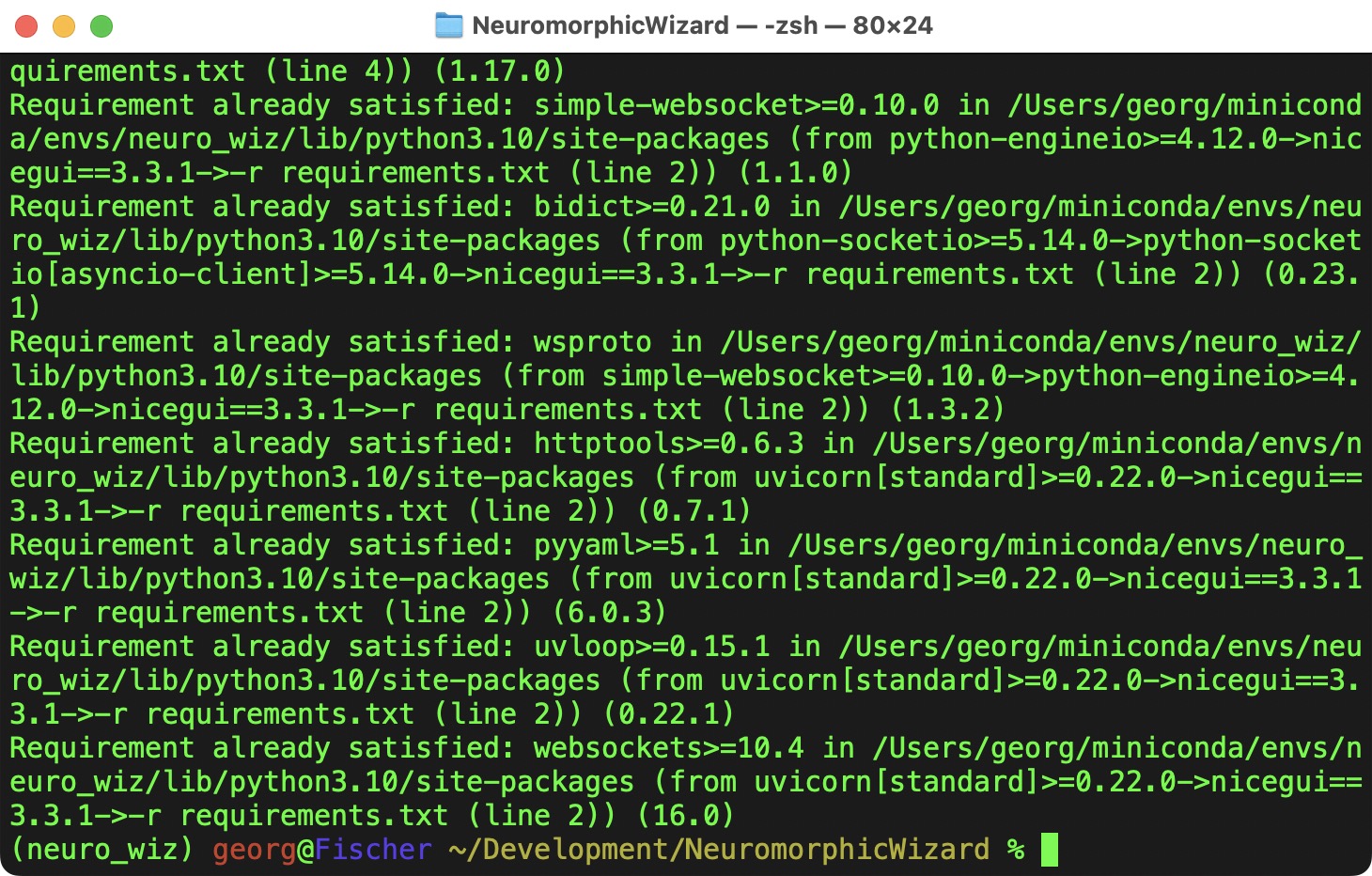
Now we have a fresh enviroment, where we can install the Neuromorphic Wizard and its dependencies into.

pip install -r requirements.txt

pip is the Python Package Manager, it takes the requirements listed in requirements.txt and install all the necessary packages.

Req Req
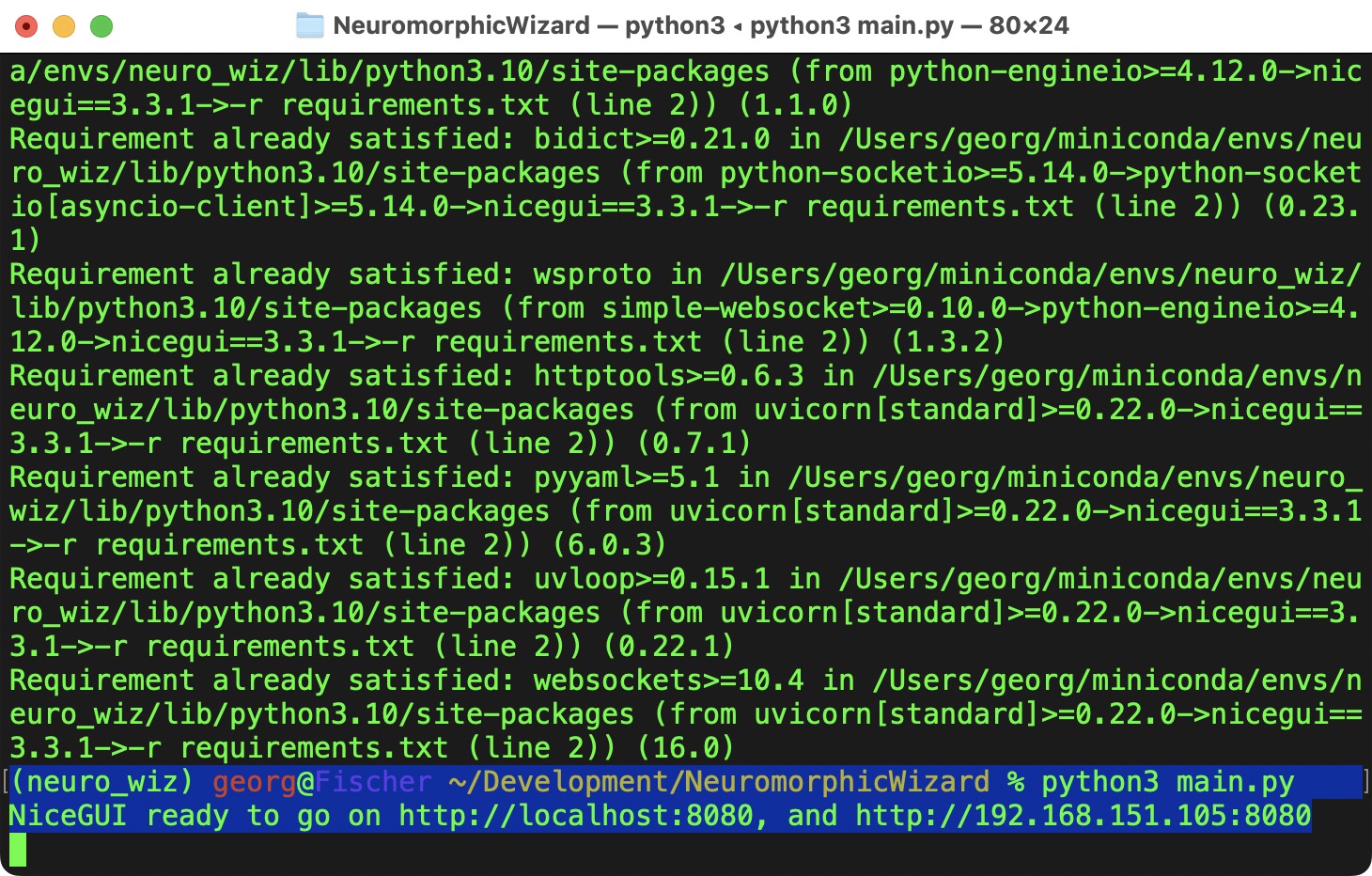
Starting the Application
python3 main.py
Start Start

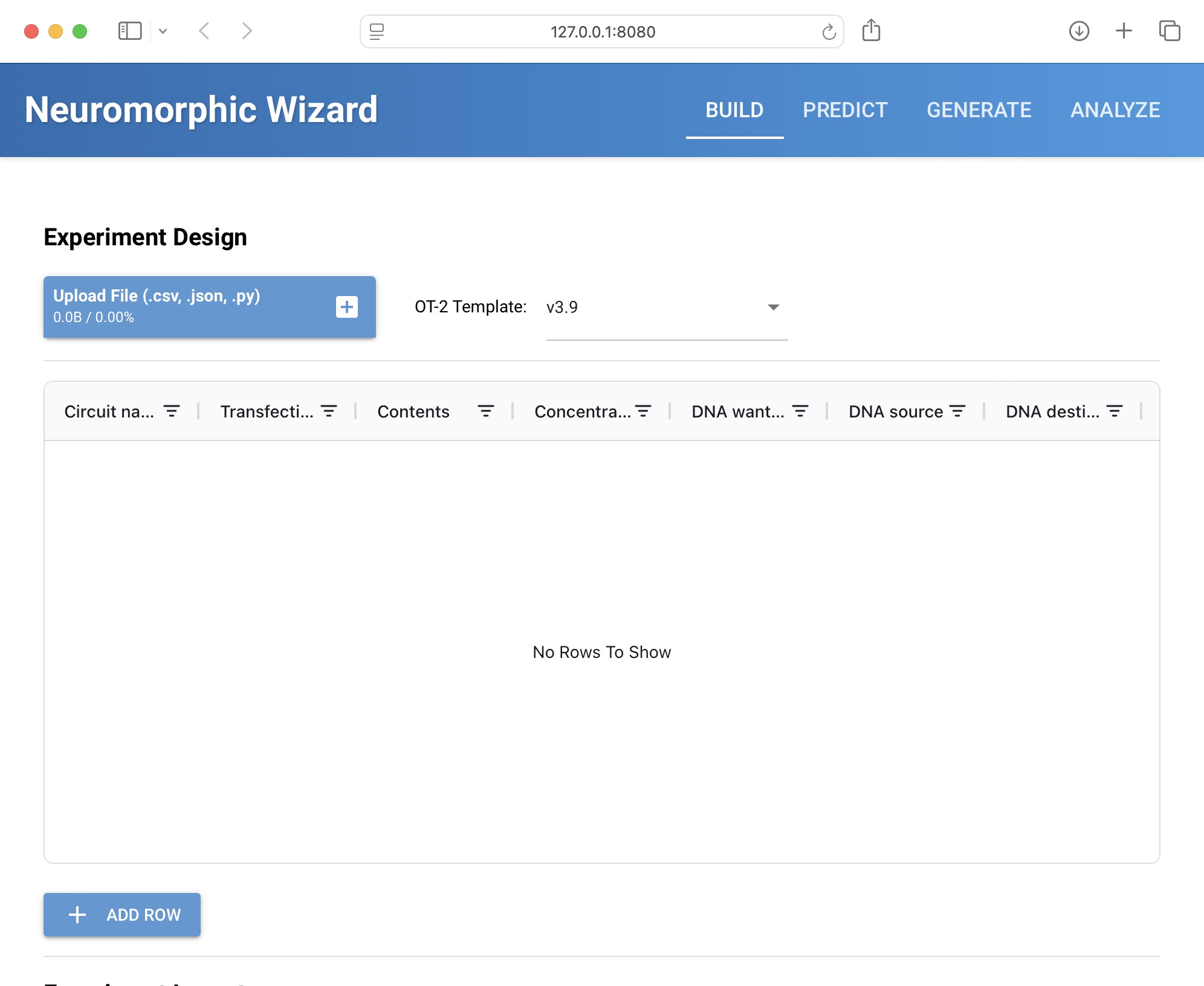
I might take a couple of seconds to start the application. A new browser should open - if it does not open automatically, go to http://localhost:8080.

App App

Now we are ready to design our IntraCellular Artificial Neural Networks!